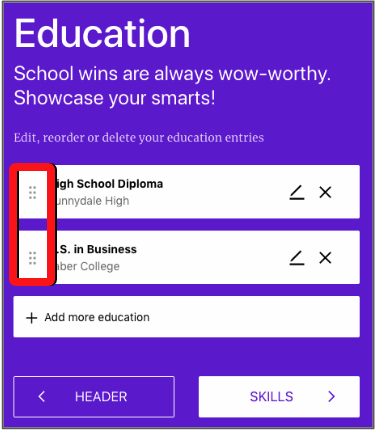
To change the order of sections, grab the drag handle (the six dots) on the left of a section and drag it to the position you want.
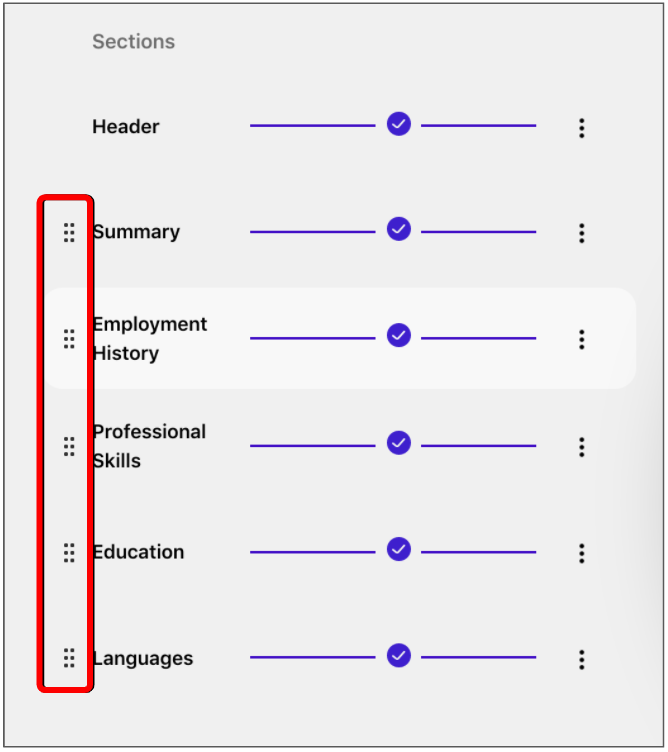
The same drag-and-drop pattern works for entries inside sections such as Experience, Skills, Education, and Languages—for example, moving your most recent role to the top of Experience.