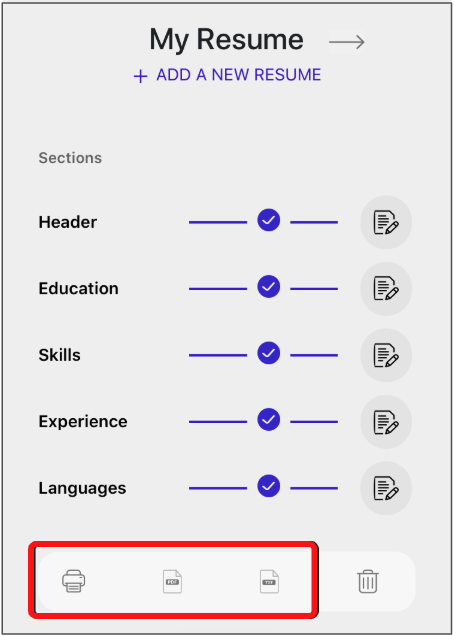
When your resume is ready, open it from your dashboard. In the top-right area you’ll find actions to print or download.
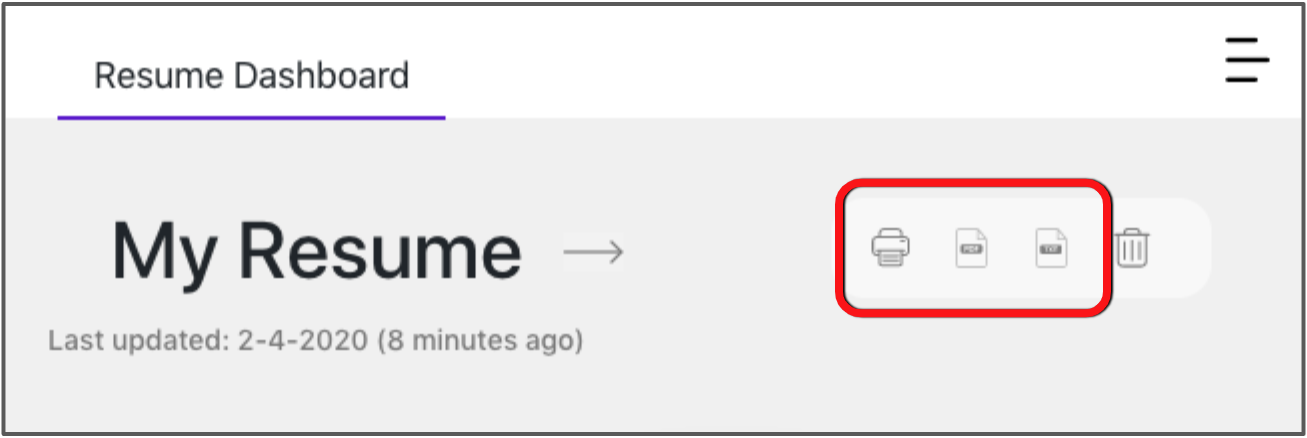
You can download as PDF or TXT. Plain text drops the visual template and keeps content only. Choose PDF to preserve the template design.
On mobile, download and print controls appear above the resume preview, below the editing options.